Let’s talk about the internet. The stuff that brings you cat videos, work Zooms, and your nightly Netflix binge. For years, you likely had one choice: the cable company. You know the one. Their truck is always parked on your street. Their bills creep up like a silent predator. Enter the disruptor: T-Mobile Home Internet.
It’s the internet that comes not through a wire buried in your yard, but through the air. The promise is huge. No contracts. No data caps. One flat monthly fee. But does it work? I mean, really work for streaming, for gaming, for the daily digital grind?
We’re going deep, past the sales pitch, into the real-world performance, reliability, and quirky truths of living on a 5G signal. This is the review you need before you make the switch.
T-Mobile Home Internet Packages
Clean package overview in one place: Home plans, AWAY plans (portable), and Small Business Internet. Prices shown are the standard listed monthly rates (where available) and may vary by location, taxes/fees, eligibility, and discounts.
5G Home Internet Plans
Monthly price w/ AutoPay (plus taxes & fees). Voice-line bundle prices shown where listed.
| Plan | Monthly Price (AutoPay) | Price w/ Eligible Voice Line | What’s Included |
|---|---|---|---|
| RELY Home Internet | $50/mo | $35/mo |
Unlimited data
5-Year Price Guarantee*
Wi-Fi gateway included
T-Mobile Tuesdays perks
|
| AMPLIFIED Home Internet | $60/mo | $45/mo |
Unlimited data
5-Year Price Guarantee*
Premium Wi-Fi gateway*
Streaming/security perks may apply*
|
| ALL-IN Home Internet | $70/mo | $55/mo |
Unlimited data
5-Year Price Guarantee*
Premium Wi-Fi gateway*
Extra value/perks may apply*
|
Home Internet AWAY™ Plans (Portable)
Portable plan for travel/on-the-go use. Pricing shown from the plan page and may vary by location and discounts.
| Plan | Monthly Price | Data | Included Benefits |
|---|---|---|---|
| AWAY™ – 200GB Plan | $115/mo $110/mo (AutoPay shown) | Up to 200 GB of full-speed data |
Portable 5G Wi-Fi Gateway
Connect up to 64 devices
5-Year Price Guarantee*
Pause service option*
|
| AWAY™ – Unlimited Plan | $165/mo $160/mo (AutoPay shown) | Unlimited data |
Portable 5G Wi-Fi Gateway
Connect up to 64 devices
5-Year Price Guarantee*
Pause service option*
|
5G Business Internet (Small Business)
Listed rates for business internet (bundle vs standalone).
| Package | Monthly Price | Bundle Requirement | Notes |
|---|---|---|---|
| 5G Business Internet (with eligible voice line) | $40/mo | Paired with an eligible voice line |
5-Year Price Guarantee*
Fixed wireless service*
|
| 5G Business Internet (internet only) | $70/mo | No voice-line bundle |
5-Year Price Guarantee*
Fixed wireless service*
|
So, What Is This Thing Anyway? The 5G Gateway Life
T-Mobile Home Internet isn’t a traditional service. Forget the truck roll, the technician drilling holes, the cable snaking through your basement. This is wireless home internet. It runs on T-Mobile’s sprawling 5G and 4G LTE network—the same one your phone might use.
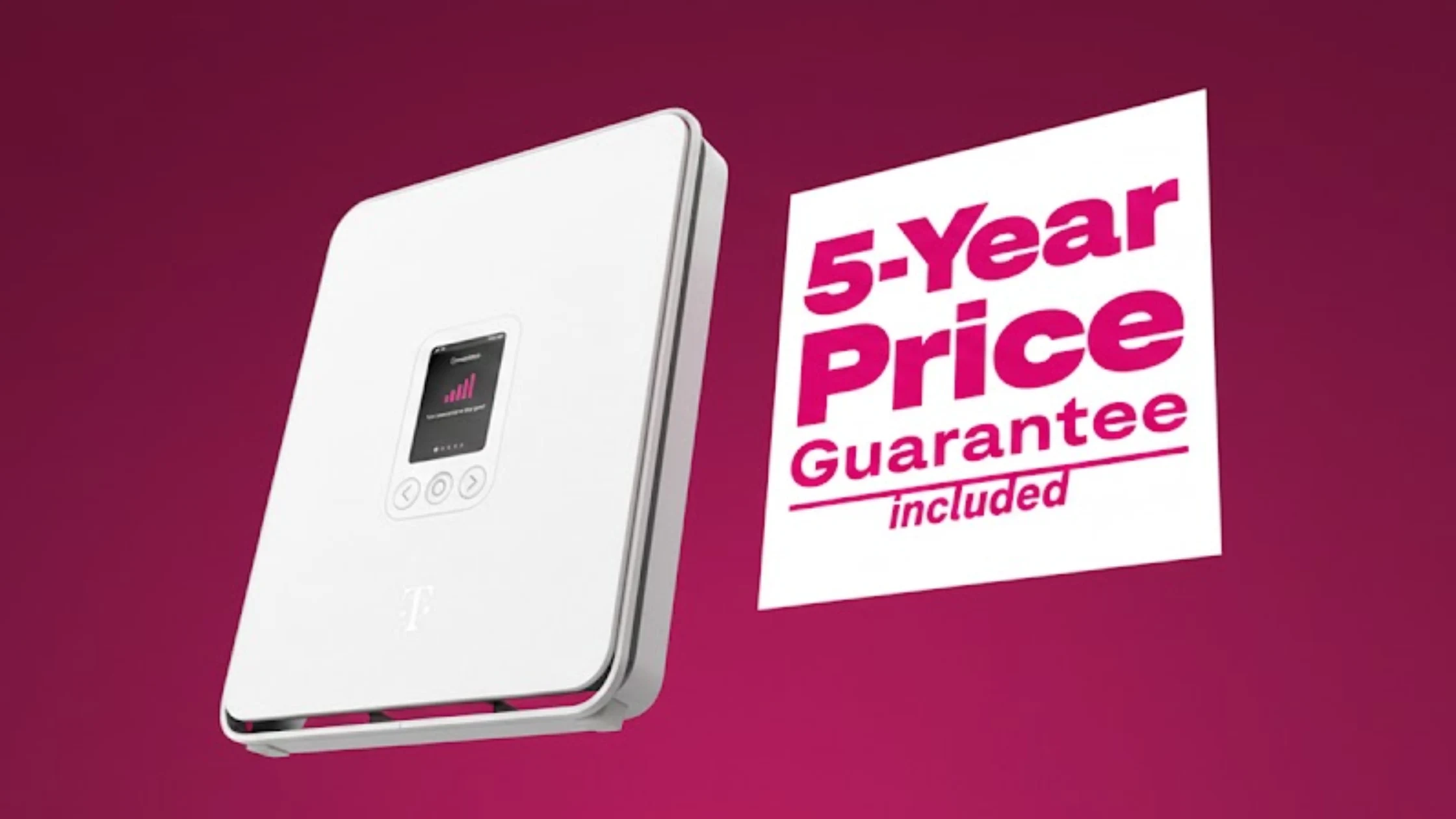
They send you a gateway (a fancy word for a modem and router combo) in a box. You plug it in, find a good spot for a signal, and you’re theoretically online. The core idea is radical simplicity and challenging the old guard. The cost is straightforward: $60 a month with autopay ($65 without).
That’s it. No extra fees, no promotional rates that expire. It includes unlimited data, which is a big deal if your current provider has sneaky caps. And yes, it’s truly no contract. You can leave anytime. This is the appeal. It’s the antidote to cable company fatigue.
But your experience hinges entirely on one thing you can’t control: the strength of T-Mobile’s signal at your specific address.
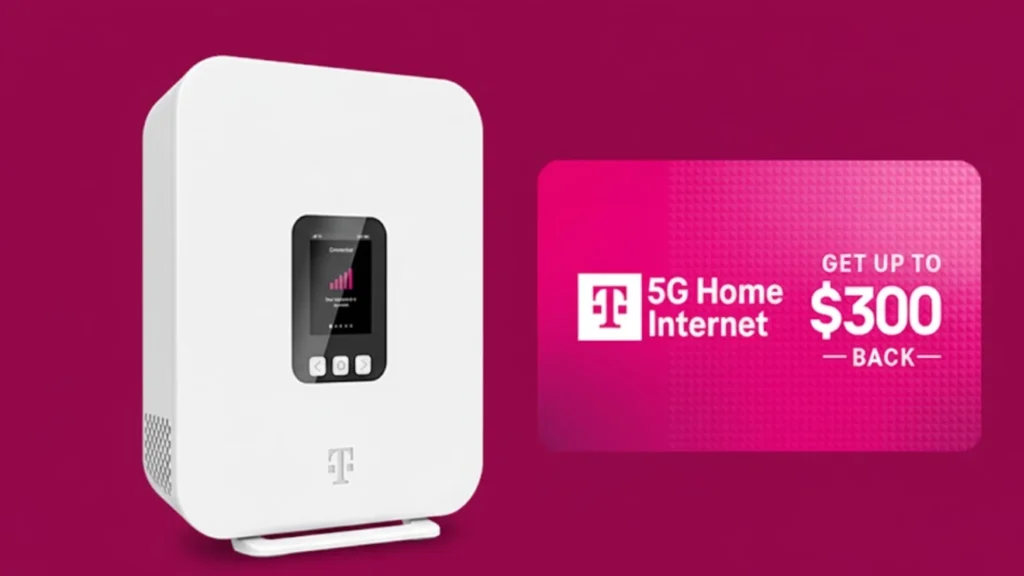
- The Gateway: It’s a white, minimalist tower. It has a screen that shows your signal bars, like a giant smartphone. Your mission is to make those bars go up.
- The Setup: This is the installation. It’s not hard. Plug in power. Connect to its Wi-Fi network with the info on the back. Use the app to finish. The real “work” is placement. Near a window. Away from thick walls and metal. It’s a game of musical chairs for your internet.
- The Reality: This isn’t fiber. Don’t expect it to act like fiber. It’s a shared, cellular network. Your speed and latency will vary. They just will. Some days are blazing. Some hours are sluggish. It’s the nature of the beast.
Can You Actually Get It? The Availability Maze
Here’s the first potential flop. T-Mobile Home Internet availability is a tricky beast. Just because you have great T-Mobile phone service doesn’t mean the home internet is available at your address. They’re conservative about selling it. Why? To protect network quality.
They won’t sell it in an area if their towers are already too busy. You must check your address on their website. You’ll enter your zip code, then your full address. The system gives a yes or no. There’s a coverage map, but it’s a guide, not a guarantee.
The map might show your area in glorious magenta, but the address checker might say “not yet.” It’s frustrating. This is where many hopeful customers hit a wall. For rural areas, this service can be a lifeline, often beating sketchy satellite internet.
But it’s still a roll of the dice. My neighbor Dave got the “congratulations, you’re eligible!” email. I, two houses down, got the “we’re not in your area yet” message. It’s a digital lottery.
The Speed Talk: Downloads, Uploads, and The Dreaded Latency
Let’s get technical in plain English. T-Mobile Home Internet speed is a two-part story.
- Download Speed: This is how fast you get data. For streaming movies, downloading files, and loading web pages. T-Mobile promises “typical” download speeds between 33-182 Mbps. In reality, people see anywhere from 30 to over 300 Mbps. I’ve personally seen a solid 150 Mbps down on a good day. That’s enough for 4K streaming on multiple TVs, no sweat.
- Upload Speed: This is how fast you send data. For video calls, posting photos, online gaming. This is where wireless internet often lags. You might get 5-30 Mbps upload. It’s fine for Zoom, but if you’re a streamer uploading huge video files, you’ll feel the pinch.
Then there’s the invisible killer: latency. Measured in milliseconds (ms), it’s the delay between your action and the response. Click a link, there’s a tiny pause. In a video call, it causes frozen faces. In gaming, it’s the difference between a headshot and being dead. Cable and fiber have low, stable latency (10-30ms). T-Mobile Home Internet latency is higher and can “jitter” (vary wildly). I’ve seen 40ms on a perfect morning and 120ms during a busy evening. This is the single most important number for gamers. For everyone else, it might just mean a slightly less “snappy” feel.
- For Streaming: T-Mobile Home Internet for streaming is generally excellent. The download speed handles it. I’ve had three 4K streams going while someone was on a video call. Zero buffering. It’s a win.
- For Gaming: T-Mobile Home Internet for gaming is a cautious “maybe.” Casual games? Probably fine. Competitive first-person shooters (Fortnite, Call of Duty)? The latency and jitter can be a painful flop. You might get rubber-banding, that infuriating lag where your character jumps around.
The Real-World Rumble: T-Mobile vs. Cable vs. Fiber
How does it stack up against the classics? Let’s rumble.
- T-Mobile Home Internet vs Cable: Cable is the established foe. It’s often faster on paper, with lower latency. But cable is shared with your neighborhood, so you can slow down at prime time (7-11 PM). T-Mobile Home Internet is shared on a tower cell sector. Different congestion patterns. Cable has contracts and rising prices. T-Mobile is price-for-life and no contract. Cable requires professional installation. T-Mobile is self-setup. For many, it’s a trade-off of ultimate stability for simplicity and price.
- T-Mobile Home Internet vs Fiber: This isn’t a fair fight. Fiber is the gold standard. Blistering symmetrical speeds (1 Gbps up and down). Rock-bottom, unshakable latency. If you can get fiber at a decent price, get it. Full stop. T-Mobile Home Internet is for the rest of us, where fiber is a dream and cable is a bully.
- T-Mobile Home Internet vs Verizon: Verizon has a nearly identical product: Verizon 5G Home Internet. They compete directly. Verizon’s plans are sometimes cheaper for mobile customers, and their network can be stronger in some metro areas. It’s a street-by-street, promotion-by-promotion comparison. You must check both.
Living With It: The Quirks, Wins, and Daily Grind
Alright, you’ve signed up. The gateway is blinking on your windowsill. What’s life like?
- The Pros (The Wins):
- Price Transparency: That monthly fee is a flat line on your budget. No surprises.
- No Data Anxiety: Unlimited data means no more worrying about the overage charge boogeyman.
- Easy Setup: The installation took me 15 minutes. It’s shockingly simple.
- Portability (The Grey Area): The gateway is mobile. Technically, you could take it to a cabin or a family member’s house. T-Mobile says it’s for your registered address, but it often works elsewhere. A quirky, unofficial win.
- The Cons (The Flops):
- Signal OCD: You become obsessed with signal strength. That little screen on the gateway dictates your mood. A storm rolls in? You glance at it. You rearrange furniture? You think about it.
- The NAT Type: This gets geeky. The gateway uses a strict NAT (CG-NAT). It can complicate hosting game servers, some video chat apps, and advanced smart home setups. For 95% of people, it’s invisible. For the 5% tinkerers, it’s a wall.
- Device Compatibility: Want to use your own fancy router? You can, but you have to double-NAT (connect your router to T-Mobile’s gateway). It works, but it’s not elegant. Some device compatibility for advanced networking is limited.
- Customer Service Roulette: As with any telecom, your customer reviews of support will vary. Some reps are great. Others will read from a script. Troubleshooting often starts with “unplug it and move it.”
Who Is This For? (And Who Should Run Away)
T-Mobile Home Internet isn’t for everyone. It’s a perfect fit for a specific crowd.
Get it if:
- You hate your cable company with a passion.
- You live in an area with poor traditional options (a rural area hero).
- You’re a moderate user: streaming, browsing, working from home, casual gaming.
- You value simple, predictable billing above chasing the absolute fastest speed.
- You’re tech-comfortable enough to play the “find the best signal” game.
Avoid it if:
- You’re a competitive, hardcore online gamer where every millisecond counts.
- You upload massive files (video production, large backups) for work daily.
- You must have absolute, 99.99% uptime for critical work systems.
- You already have a great, affordable fiber deal.
The Bottom Line
T-Mobile Home Internet is a legitimate, powerful disruptor. It’s changing the game by offering choice. It brings reliability that’s good enough for most, with incredible perks like no contract and unlimited data. But it’s not magic.
It’s a wireless service subject to the whims of radio waves, tower traffic, and your home’s construction. Your performance will be unique to your location. Check your eligibility. Manage your expectations. If the numbers and lifestyle fit, it can feel like liberation from the old system.
Just don’t expect it to be something it’s not. It’s not a fiber replacement. It’s a clever, sometimes brilliant, alternative. And in today’s market, having a real alternative is everything.
FAQs About T-Mobile Home Internet
Q: Is T-Mobile Home Internet truly unlimited with no data caps?
A: Yes. This is a major selling point. The service comes with unlimited data. There are no hard data caps or throttling based on how much you use, which is a huge relief for heavy streaming households.
Q: How do I know if T-Mobile Home Internet is available at my house?
A: You must use the official address checker on T-Mobile’s website. Don’t rely solely on the general coverage map. Enter your full street address and zip code for an accurate availability and eligibility status.
Q: Can I use my own Wi-Fi router with the T-Mobile gateway?
A: You can, but it requires a workaround. You connect your personal router to the T-Mobile gateway via an Ethernet cable. This creates a double-NAT scenario, which works fine for basic internet but can cause issues for online gaming, port forwarding, and some advanced smart home device compatibility.
Q: What is the typical latency (ping) for gaming?
A: T-Mobile Home Internet latency is variable. It typically ranges from 30ms to 120ms, and it can jitter (change rapidly). This makes it less than ideal for fast-paced, competitive gaming where split-second reactions are key, but may be acceptable for slower-paced or casual games.
Q: What happens if I move? Can I take my T-Mobile Home Internet with me?
A: Maybe. You need to update your service address in your T-Mobile account. The service will only work if T-Mobile Home Internet is officially available at your new address. If it is, you just unplug the gateway, move it, plug it in at the new place, and update your address online.
References & Sources:
- T-Mobile Home Internet Official Plans & Policies: T-Mobile.com
- FCC Broadband Speed Guide: FCC.gov
- Independent network performance data from user-reported sources like the r/tmobileisp subreddit and DSLReports.com forums.
- Industry analysis on Fixed Wireless Access growth from firms like Recon Analytics.
Disclaimer: Internet performance varies by location, time of day, and network congestion. The experiences and speeds described are anecdotal and should not be taken as a guarantee for your specific address. Always check official sources for the most current plan details and pricing.
Read More: Virtual Assistants for Productivity