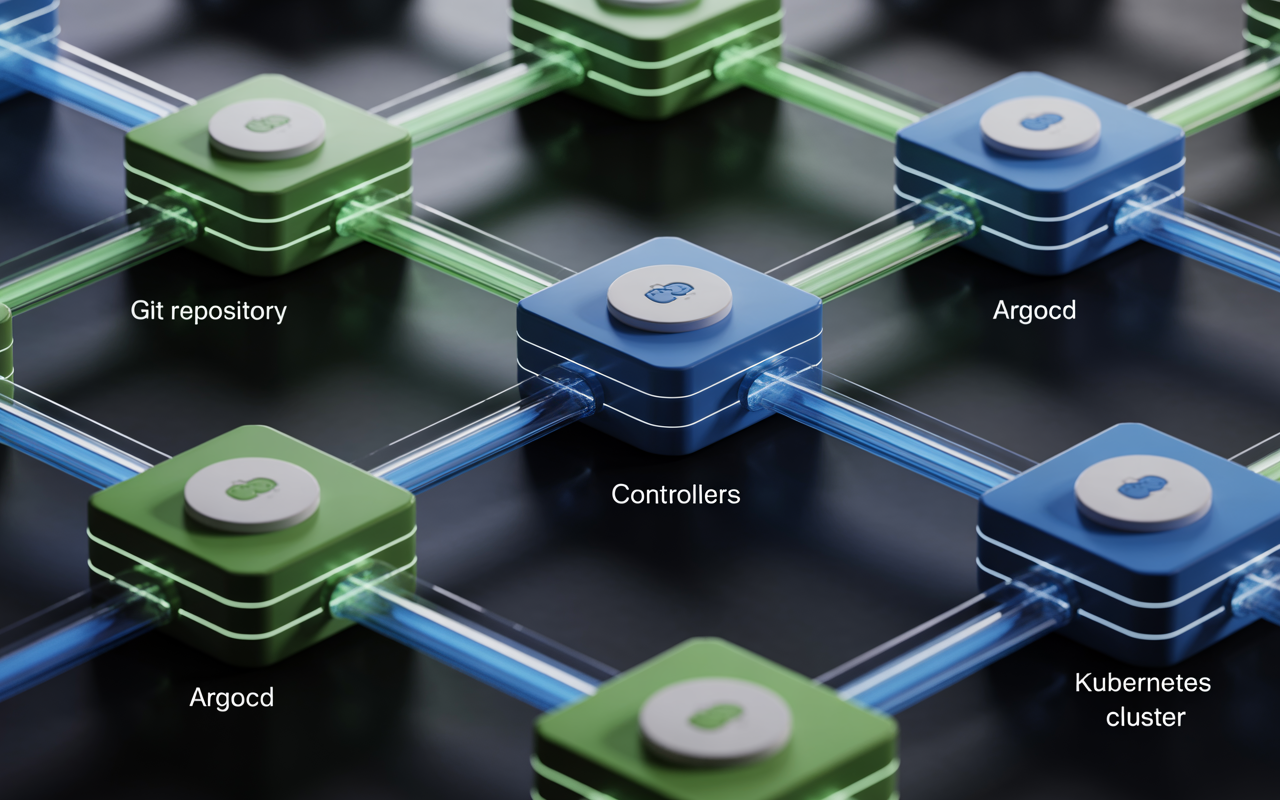
You have a Kubernetes cluster. It’s a beautiful, powerful beast. Then you try to deploy something. You run kubectl apply. Then again. And again. Someone else runs a different command. Chaos erupts. What’s running? Who knows. This is the old way. It’s broken. Let’s talk about the new way. A GitOps workflow for Kubernetes using ArgoCD.
This isn’t just a tool. It’s a mindset. Your Git repository becomes the single source of truth. Your cluster just obediently matches what’s in Git. No more manual commands. No more “it worked on my machine.” We’re building a self-healing, auditable, beautiful deployment machine. This guide is your blueprint.
We’ll walk through the core concepts, the setup, and the gritty best practices you need to make this work in the real world. Let’s turn that beast into a well-trained pet.
Table of Contents
What Is This GitOps Magic? And Why ArgoCD?
First, let’s clear the fog. GitOps is a simple, powerful idea. You describe your entire system’s desired state in code (like YAML files). You store that code in a Git repository (GitHub, GitLab, etc.). A software agent in your cluster (that’s ArgoCD) constantly compares the live cluster state to the state defined in Git.
If they differ, it syncs the cluster to match Git. Automatically. It’s a pull-based deployment model. The cluster pulls the desired state. This is a core GitOps vs traditional CI/CD difference. Traditional pipelines “push” to the cluster. GitOps lets the cluster “pull” the truth.
So why ArgoCD? It’s the rockstar of this space. It provides a stunning visual dashboard. You can see the health of every application. It handles complex rollouts, sync strategies, and hooks. It understands Helm charts, Kustomize, and plain YAML.
It’s the declarative conductor for your Kubernetes declarative GitOps orchestra. Other tools like FluxCD exist, but ArgoCD’s UI and intuitive design make it the go-to for teams adopting GitOps workflows for DevOps teams.
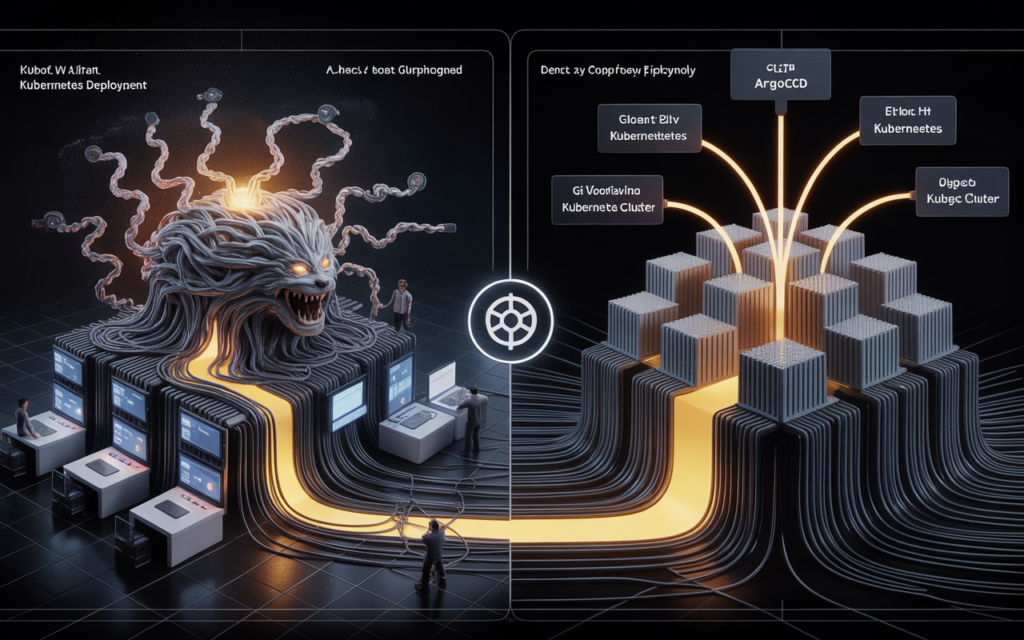
Laying the Foundation: Your Git Repository Structure
Your Git repo is the boss. ArgoCD is a loyal employee. You need to structure your repo for success. A messy repo means a messy deployment. Here’s a simple, battle-tested structure for your ArgoCD Git repository structure:
text
my-gitops-repo/
├── apps/
│ ├── my-web-app/
│ │ ├── base/
│ │ │ ├── deployment.yaml
│ │ │ ├── service.yaml
│ │ │ └── kustomization.yaml
│ │ └── overlays/
│ │ ├── staging/
│ │ └── production/
│ └── my-api-app/
│ └── …
├── clusters/
│ ├── production/
│ │ ├── apps-of-apps.yaml
│ │ └── cluster-config/
│ └── staging/
└── infrastructure/
├── redis/
└── postgresql/
This structure supports environment promotion GitOps. The base is your app’s core. Overlays for staging and production add environment-specific configs (like different CPU limits).
The clusters/production/ folder holds the entry point—an ArgoCD Application or App of Apps manifest that points to all other apps. This is infrastructure as code and application code, living together in harmony.
The ArgoCD Setup: Installing and Your First Application
Time to get your hands dirty. First, install ArgoCD in your cluster. It’s straightforward. One command:
bash
kubectl create namespace argocd
kubectl apply -n argocd -f https://raw.githubusercontent.com/argoproj/argo-cd/stable/manifests/install.yaml
Boom. ArgoCD is running. Get the admin password, port-forward to the UI, and log in. The dashboard is your new mission control.
Now, define your first ArgoCD Application. This is a custom Kubernetes resource that tells ArgoCD what to sync and from where. You don’t deploy your app directly. You deploy an Application manifest that points to your app’s manifests. Here’s a simple example (my-app.yaml):
yaml
apiVersion: argoproj.io/v1alpha1
kind: Application
metadata:
name: my-web-app
namespace: argocd
spec:
project: default
source:
repoURL: ‘https://github.com/your-org/my-gitops-repo.git’
path: apps/my-web-app/overlays/staging
targetRevision: HEAD
destination:
server: ‘https://kubernetes.default.svc’
namespace: staging
syncPolicy:
automated:
prune: true
selfHeal: true
syncOptions:
– CreateNamespace=true
Apply this with kubectl apply -f my-app.yaml. Watch the ArgoCD UI. You’ll see it spin up, fetch your code, and create the resources in the staging namespace. This is ArgoCD continuous delivery in action. The automated sync policy means any new commit to the staging path triggers a sync. This is your GitOps deployment automation heart starting to beat.
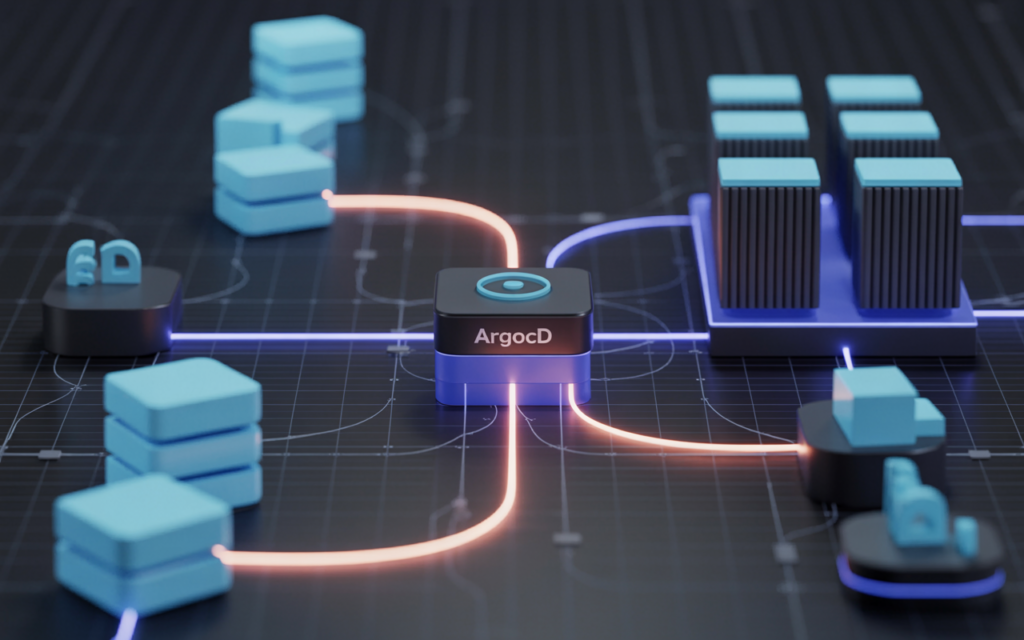
The Golden Workflow: From Code Commit to Live Cluster
Let’s walk through the perfect GitOps workflow for Kubernetes using ArgoCD from start to finish. This is the daily rhythm.
- Developer Makes a Change: A dev edits a Kubernetes manifest in the apps/my-web-app/base/ folder. They change the Docker image tag from v1.2 to v1.3. They commit and push to a feature branch.
- Open a Pull Request (PR): This triggers your CI pipeline (like GitHub Actions). The pipeline runs tests, builds the v1.3 image, and, crucially, updates the manifest in the same PR branch. The Git repo is always the source.
- Peer Review: Teammates review the PR. They see the exact YAML changes that will hit the cluster. This is version control for Kubernetes apps at its best. No more guessing.
- Merge to Main: The PR is merged. The main branch now has the new manifest with image: v1.3.
- ArgoCD Detects Drift: ArgoCD, watching the main branch, sees the cluster is out of sync. The live cluster has v1.2, but Git declares v1.3. This is ArgoCD drift detection.
- Automatic Sync: Because of our automated sync policy, ArgoCD automatically updates the deployment. It rolls out v1.3 using the rollout strategy defined in the manifest. You can watch the health status turn from “Progressing” to “Healthy.”
- Self-Healing: If someone goes rogue and manually deletes a pod, ArgoCD notices. The live state (missing pod) doesn’t match Git (pod defined). It recreates the pod. This is Kubernetes GitOps reconciliation magic.
This entire ArgoCD deployment automation loop is transparent, auditable, and repeatable. Every change is tied to a Git commit. You know who changed what and when.
Pro Patterns: Sync Waves, Hooks, and Multi-Cluster Madness
Basic sync works. But real apps have dependencies. You need a database before the app. You need to run a migration job before the new web server starts. Enter advanced ArgoCD sync policies.
Sync Waves: You can number your resources. ArgoCD syncs in waves.
yaml
metadata:
annotations:
argocd.argoproj.io/sync-wave: “-1” # Run FIRST (e.g., Namespace, CRDs)
—
metadata:
annotations:
argocd.argoproj.io/sync-wave: “0” # Run second (e.g., Database, ConfigMap)
—
metadata:
annotations:
argoproj.io/sync-wave: “1” # Run last (e.g., Deployment)
This ensures your Kubernetes GitOps architecture respects dependencies.
Sync Hooks: Need to run a script? Use hooks. You can define a Kubernetes Job manifest as a PreSync, PostSync, or SyncFail hook. Perfect for database migrations or smoke tests. This is next-level ArgoCD rollout strategies.
Multi-Cluster GitOps: Got a staging and a production cluster? No problem. ArgoCD can manage multiple clusters from one control plane. You define different Application manifests pointing to different destination clusters. Or use an App of Apps pattern. One parent app points to a directory full of other app definitions. It’s a powerful GitOps for multi-cluster Kubernetes setup.
Secrets Management: Never store plain-text secrets in Git. Use tools like Sealed Secrets, SOPS, or external secret managers (HashiCorp Vault) with the ArgoCD Vault Plugin. ArgoCD can pull and inject secrets at sync time. GitOps secrets management is doable and secure.

The Watchtower: Monitoring, Alerts, and Best Practices
Your GitOps workflow for Kubernetes using ArgoCD is running. Don’t just set it and forget it. Watch it.
- Monitoring: ArgoCD exposes Prometheus metrics. Track sync durations, error counts, and queue depth. Grafana dashboards for ArgoCD are a must.
- Alerts: Set up ArgoCD monitoring and alerts. Alert if an application stays “OutOfSync” for too long. Alert if health status becomes “Degraded.” Use Slack, PagerDuty, whatever your team uses.
- Access Control: Don’t give everyone admin access to ArgoCD. Use its built-in RBAC or SSO integration. Define projects to limit what teams can deploy where.
Best Practices for 2025:
- Use Kustomize or Helm: Avoid raw YAML for complex apps. These tools help manage configuration. ArgoCD Helm + Kubernetes workflow is seamless.
- Enable Auto-Prune: In your sync policy, set prune: true. This deletes resources removed from Git. It prevents cluster drift.
- Use Self-Heal: Set selfHeal: true. ArgoCD will automatically correct any manual changes.
- Sync from Tags, Not Just HEAD: For production, point targetRevision to a stable Git tag or a specific release branch. Avoid deploying every commit to main directly.
- Keep Applications Lightweight: An ArgoCD Application should manage one logical app. Don’t bundle 20 microservices into one giant app.
FAQs: Your GitOps & ArgoCD Questions
Q1: What’s the main difference between GitOps and traditional CI/CD?
Traditional CI/CD is push-based. Your pipeline builds an artifact and then runs commands to push it to the cluster. GitOps is pull-based. Your pipeline’s only job is to update the Git repository. An agent (ArgoCD) inside the cluster constantly pulls from Git and applies changes automatically. Git becomes the single source of truth and the deployment trigger.
Q2: How does ArgoCD handle secrets securely?
ArgoCD itself doesn’t store secrets. You should never commit raw secrets to Git. The standard practice is to use a dedicated secrets management tool. Popular options are Sealed Secrets (encrypts secrets for Git), SOPS with age or PGP, or external systems like HashiCorp Vault integrated via the ArgoCD Vault Plugin. ArgoCD fetches and decrypts these secrets at sync time.
Q3: Can I use ArgoCD with Helm charts?
Absolutely. It’s a first-class citizen. In your ArgoCD Application manifest, under source, you specify chart instead of path and provide the Helm repository URL. You can also pass Helm values files. This makes managing complex applications with ArgoCD Helm + Kubernetes workflow very straightforward.
Q4: How do I roll back a bad deployment with ArgoCD?
It’s beautifully simple. Since every deployment is a Git commit, you roll back by reverting that commit in Git. Merge the revert PR. ArgoCD will detect the drift (the cluster has the bad version, Git now has the previous good version) and automatically sync the cluster back to the last known healthy state. Your entire rollback process is a Git revert.
Q5: Is GitOps only for Kubernetes?
The core principles are universal, but the tools and implementations are most mature for Kubernetes. The idea of declaring desired state in Git and having an automated agent reconcile it applies to infrastructure (Terraform, cloud resources) and even network configurations. However, the GitOps workflow for Kubernetes using ArgoCD is the most common and well-supported starting point.
So, you’ve seen the map. The GitOps workflow for Kubernetes using ArgoCD isn’t a fantasy. It’s a practical, robust system that eliminates deployment headaches. It gives you control, audit trails, and peace of mind. Start small. Pick one non-critical application.
Set up the repo structure. Install ArgoCD. Define that first Application manifest. Witness the sync. Feel the power of declarative operations.
Then, gradually expand. Bring in more apps. Implement sync waves for dependencies. Hook up your secret manager. Watch your dashboard become the single pane of glass for your entire platform. You’ll stop yelling at your cluster.
You’ll start trusting it. Because it’s finally behaving exactly as you’ve told it to—in writing, in Git. Now go automate your world. One commit at a time.
Read More: Microsoft Copilot AI